Microsoft Teams


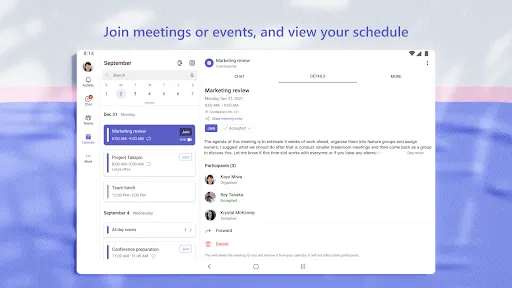
Features of Microsoft Teams
Working With Teams
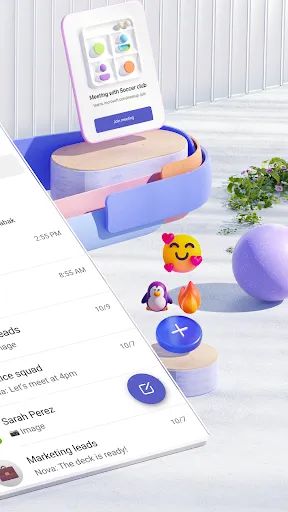
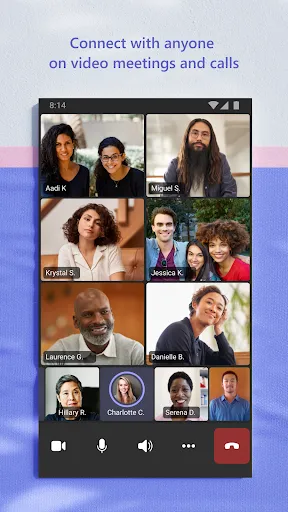
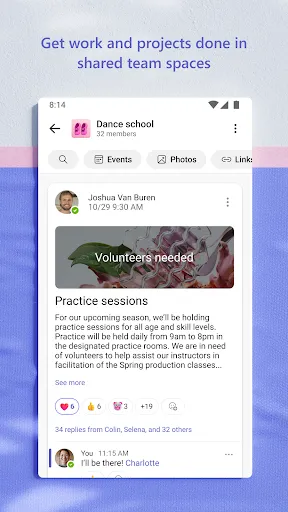
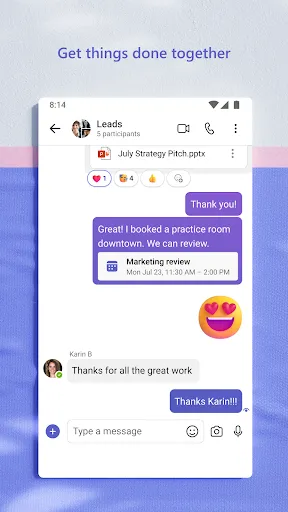
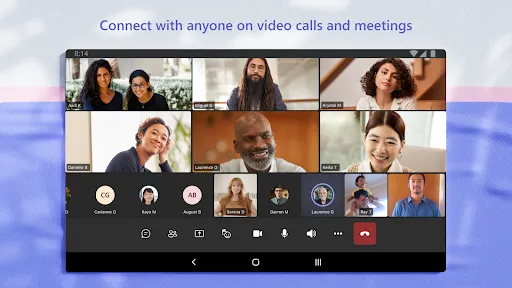
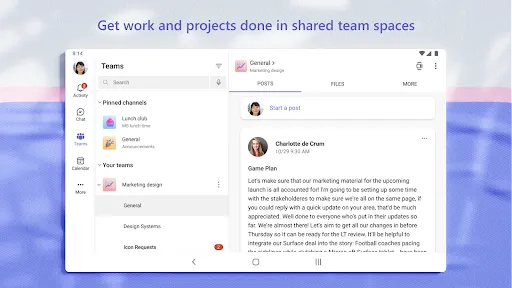
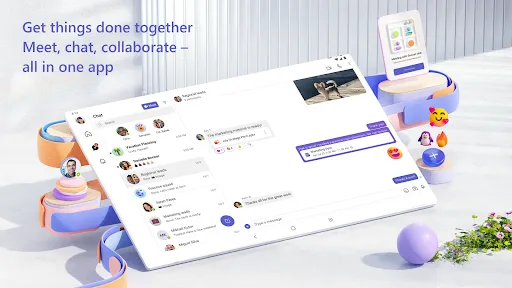
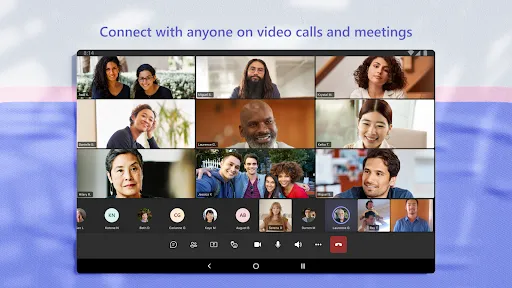
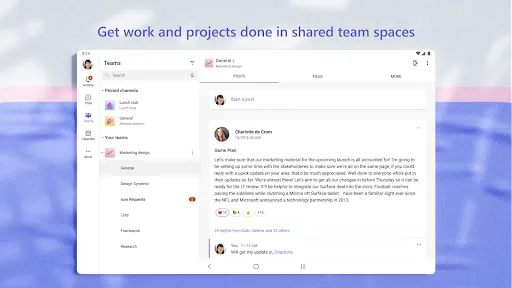
You can use Microsoft Teams to video conference with friends or colleagues, share links, and create group chats. You can also assign tasks via task lists so that all team members are kept informed of work progress.
Data Sharing
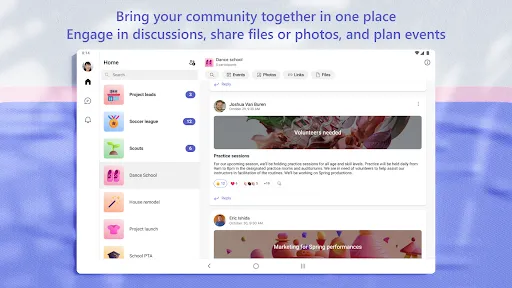
You can upload data, documents, and other content to cloud storage so that all information can be accessed and shared at any time. You can also select the scope of sharing so that all your invited members can access your uploaded content in the cloud storage.
Easy To Use
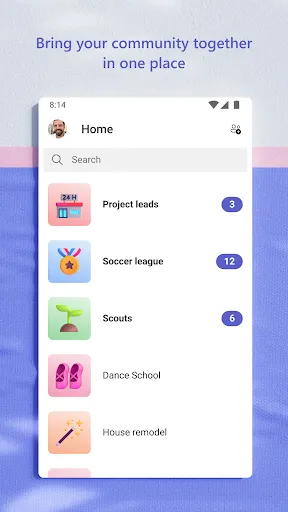
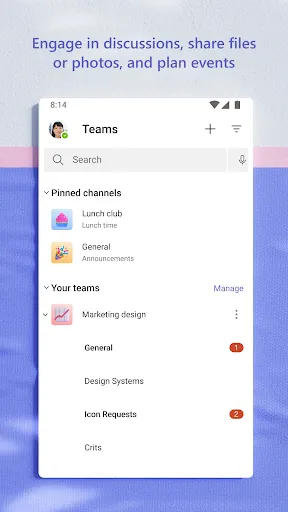
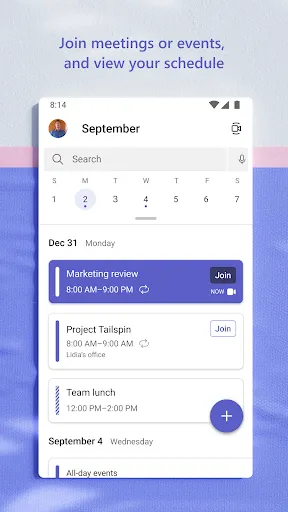
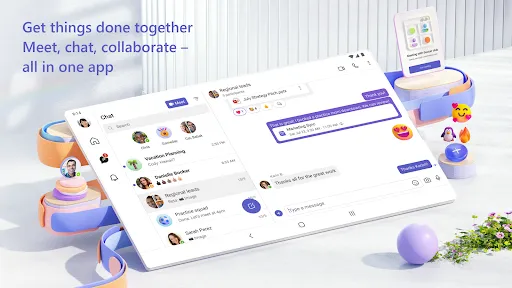
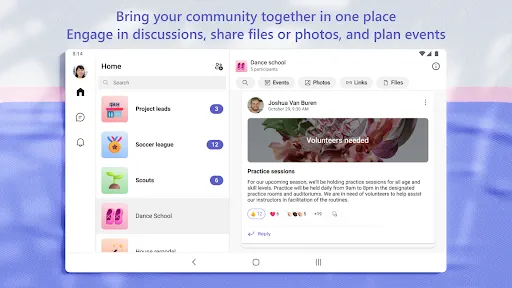
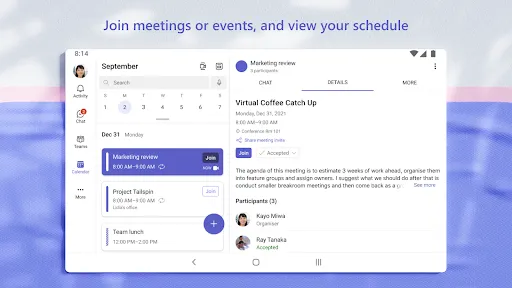
The view of Microsoft Teams is very clear and concise, so you can easily find your photos, files, links, etc. Also, Microsoft Teams combines chat, meeting, task, and calendar functions in one software, so you can easily manage your task schedule and communicate with your members.
Tips
⌨️ Get familiar with the keyboard shortcuts to speed up the process.
With proficiency in using shortcut keys, it's way easier to enable certain features. For instance, search with a click of Ctrl+E, turn off the camera by clicking Ctrl+Shift+O, etc. Though you might need to think of which shortcuts to use when enabling certain features initially, it's worth trying.
😎 Use the "Virtual Backgrounds" to hide the actual background.
Don't want to show your real background when attending video calls? Microsoft covers your need! It allows users to enable "Show background effects" and select a virtual background from the "audio and video settings" screen. Or you can choose "Blur my background" features at the same location to hide where you are.
😜 Create "Private Channels" to start inner-group discussion.
Sometimes you might have several groups at an all-company meeting. The "Private Channels" feature allows hosts to create new channels within the pre-existing meeting for inner-group discussions so that the irrelevant won't disturb the conversation.
📹 Record the meetings for easy follow-ups.
The app allows every user to record the meeting in an MP4 format so that you can upload the video for someone absent from the meeting or simply want a record. By the way, always ask for permission from other participants.
Ratings
Similar Apps












Top Apps